How can I change my bank account (IBAN) from my My TCL space?
Once logged into your My TCL space, please follow these steps:
1. Select "My payment methods"
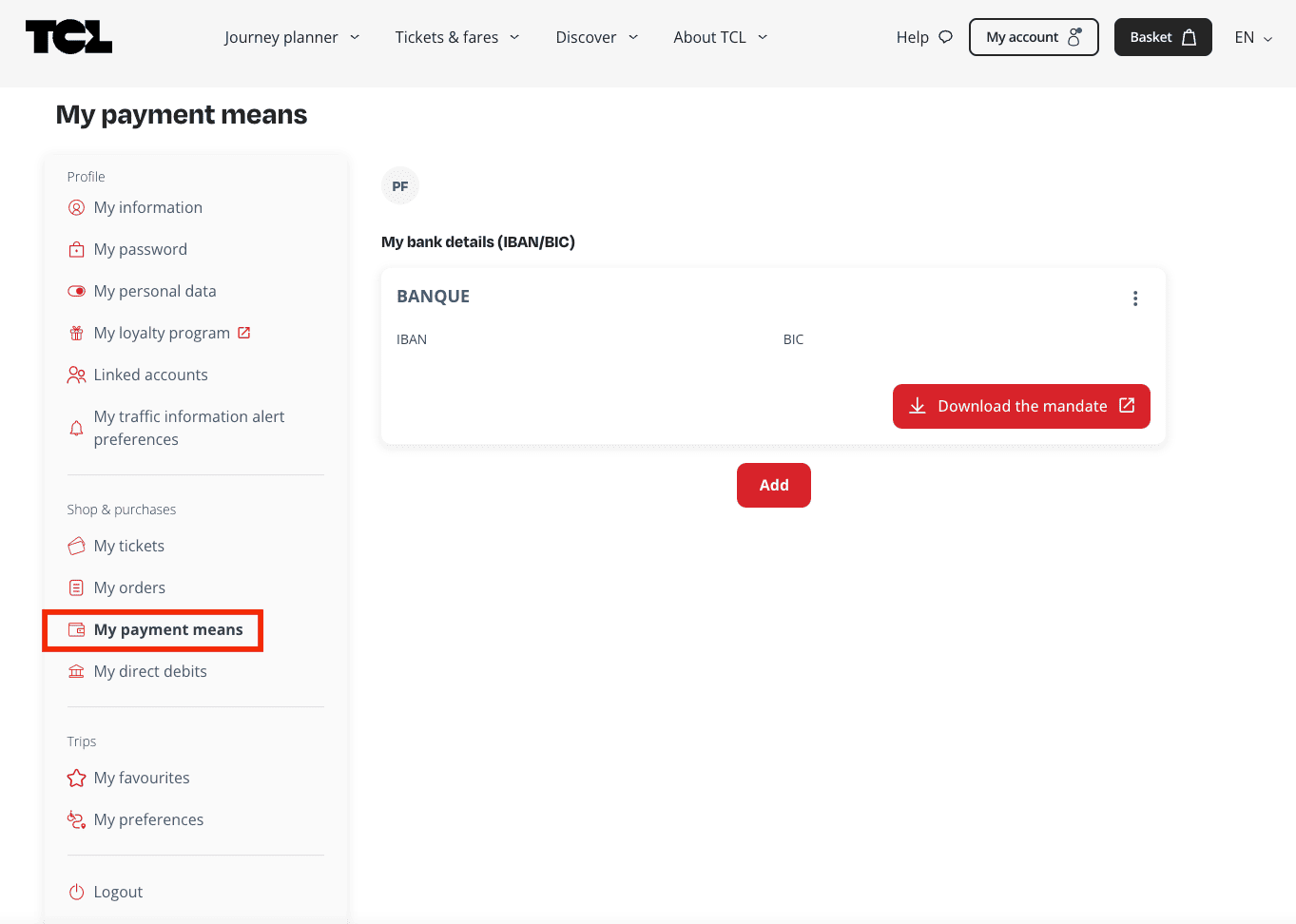
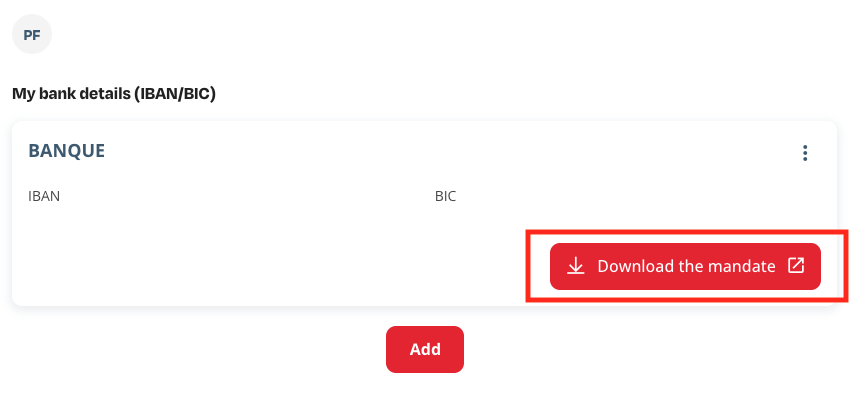
2. Click on the three small dots next to your IBAN and select "Update IBAN"
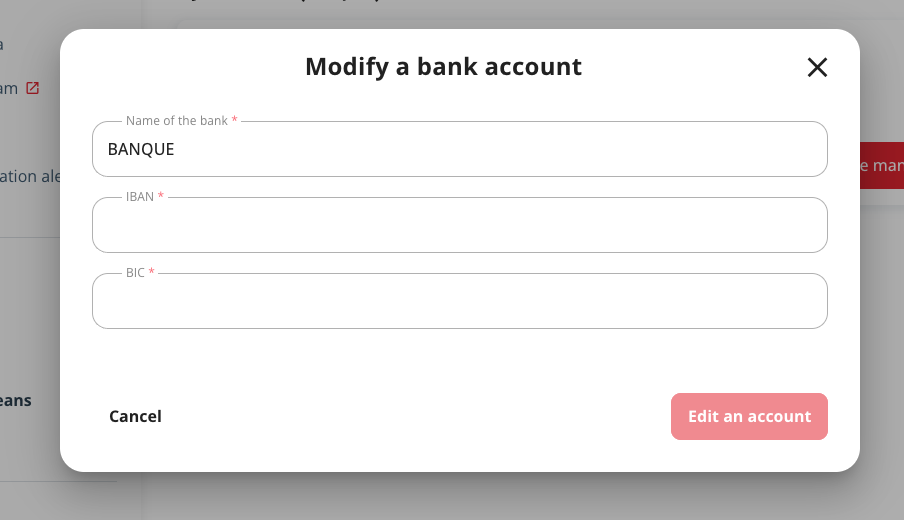
3. Enter your new bank details in the "Modify a bank account"
4. Click on "Modify an account" at bottom right.
Was this article helpful to you?
Si vous souhaitez exprimer les raisons de votre choix, vous pouvez nous contacter par le biais de notre formulaire de contact.